
One column for everything
your AI agents are waiting on
Sheaf is a native macOS app for developers who run Claude Code and Codex. It shows which session needs you, what each one already finished, and your Slack, Mail, Jira and Calendar. All in one column you drive with the keyboard.
Free for 14 days. Runs on macOS 14 or later, Apple silicon and Intel.
Signed and notarized by Apple.

Answer agents in one keystroke
When a session asks you something, Sheaf turns it into a card with suggested replies. Press a key and the answer goes straight back to that session.
Know what's done
Sessions that stopped are summarized in a sentence, so you can confirm they're finished or pick up where they left off.
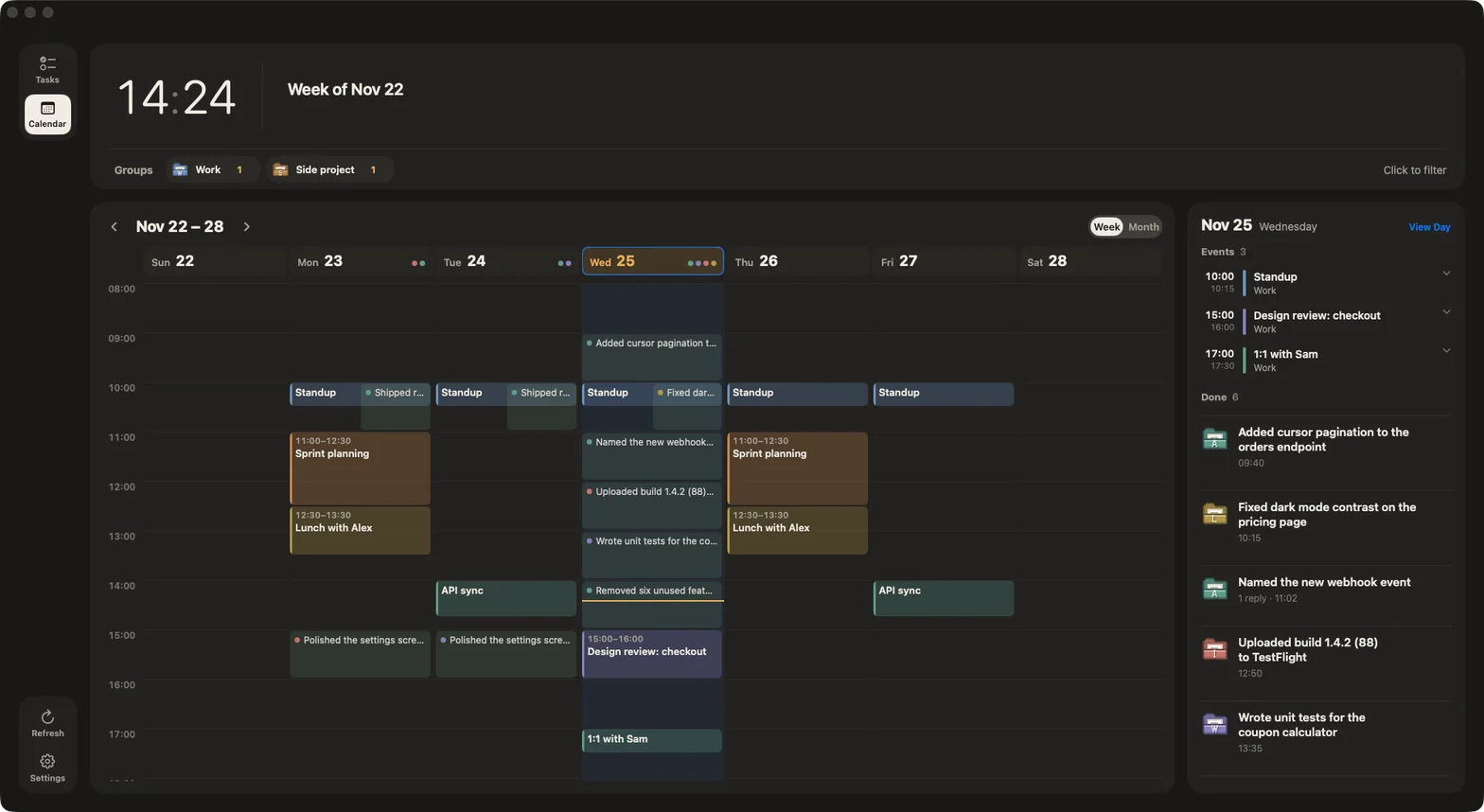
Slack, Mail, Jira, Calendar
Mentions, DMs, assigned issues and today's meetings sit right next to your agent work, grouped the way you work.
Jump to the right tab
Go straight to the session's tab in cmux, tmux, Terminal or iTerm2, or reopen a closed session wherever you like.
Keyboard first
Arrows to move, letters to act, ⌥⌘S to summon Sheaf from anywhere.
Your data stays on your Mac
There is no Sheaf server. Sheaf reads local session files and uses the agent you already pay for to summarize.
Pricing
Pay once. Use it on up to 2 Macs, with free updates.
Try everything free for 14 days first.
Questions
- What do I need? A Mac on macOS 14+ and Claude Code or Codex. Slack and Jira are read through the connections you've set up in Claude Code.
- Does it send my code anywhere? Sheaf itself has no server. Short summaries are made by the agent you choose (on-device Apple Intelligence on macOS 26, or your Claude/Codex).
- How do I move my license to another Mac? Settings → About → Deactivate on This Mac, then enter the key on the new Mac.
- Refunds? See the refund policy.